


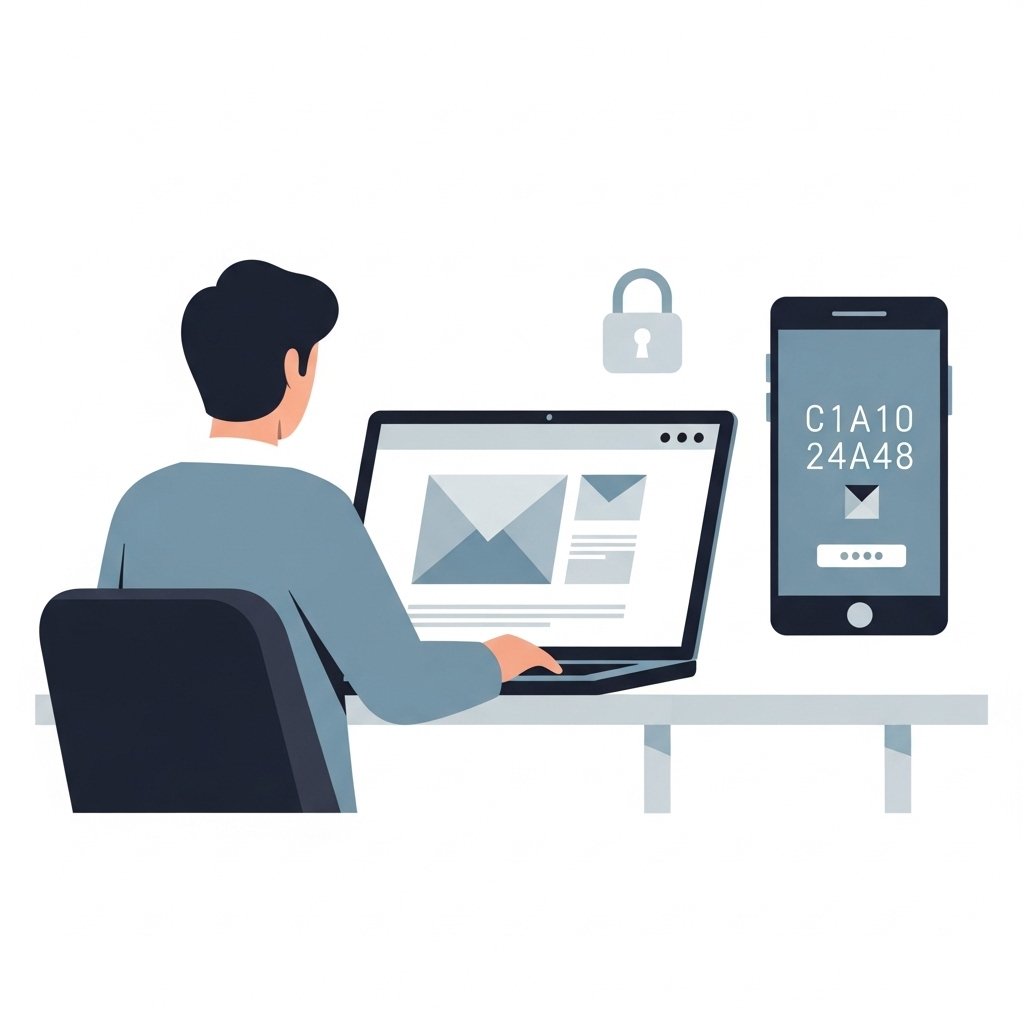
Your email account is the gateway to almost everything else.
Password resets, account alerts, security notifications, and verification links all pass through your email. If someone gains access to it, they can often reset passwords and take control of other accounts.
That is why enabling multi factor authentication on your email should be your first priority.
Why Email Is the Primary Target
Most online services rely on email for account recovery.
If an attacker controls your email, they can:
- Reset passwords on other accounts
- Intercept security alerts
- Approve login attempts
- Lock you out of your own services
Securing your email account protects everything connected to it.
What Multi Factor Authentication Does
Multi factor authentication adds a second layer of security beyond your password.
Instead of relying only on something you know, it requires an additional factor such as:
- A code generated on your device
- A prompt from an authentication app
- A hardware security key
Even if your password is exposed, the attacker cannot access your account without the second factor.
Why Enable It on Email First
Many people enable MFA on banking or social media accounts first.
While that is helpful, email should come first.
If your email is unprotected, attackers can:
- Reset passwords on other services
- Disable security settings
- Take control of linked accounts
Protecting email first strengthens your entire security setup.
Choose Strong MFA Methods
Not all MFA methods offer the same level of protection.
Prefer:
- Authenticator apps
- Hardware security keys
Be cautious with:
- SMS based codes
SMS can be vulnerable to SIM swap attacks.
If possible, use app based authentication instead of text messages.
Save Recovery Codes Safely
When you enable MFA, you are often given recovery codes.
These codes allow you to access your account if you lose your second factor.
Store them:
- Offline in a secure location
- In a password manager
- In a protected document
Do not store them in easily accessible places.
Secure Your Email Password
MFA is strongest when combined with a good password.
Make sure your email password is:
- Unique
- Long and complex
- Not reused on other accounts
If the password is weak or reused, the account remains at risk.
Review Account Recovery Settings
Check your email account’s recovery options.
Make sure:
- Recovery email addresses are correct
- Phone numbers are up to date
- Unknown recovery methods are removed
Attackers sometimes add their own recovery options if they gain access.
Monitor Account Activity
After enabling MFA, review your account activity.
Look for:
- Unknown login attempts
- New devices
- Security alerts
Early detection helps prevent further compromise.
Final Thoughts
Your email account is the foundation of your online security.
Protecting it should be your first step.
Enable multi factor authentication.
Use a strong unique password.
Secure recovery options.
Once your email is protected, you can build stronger security across all other accounts.