


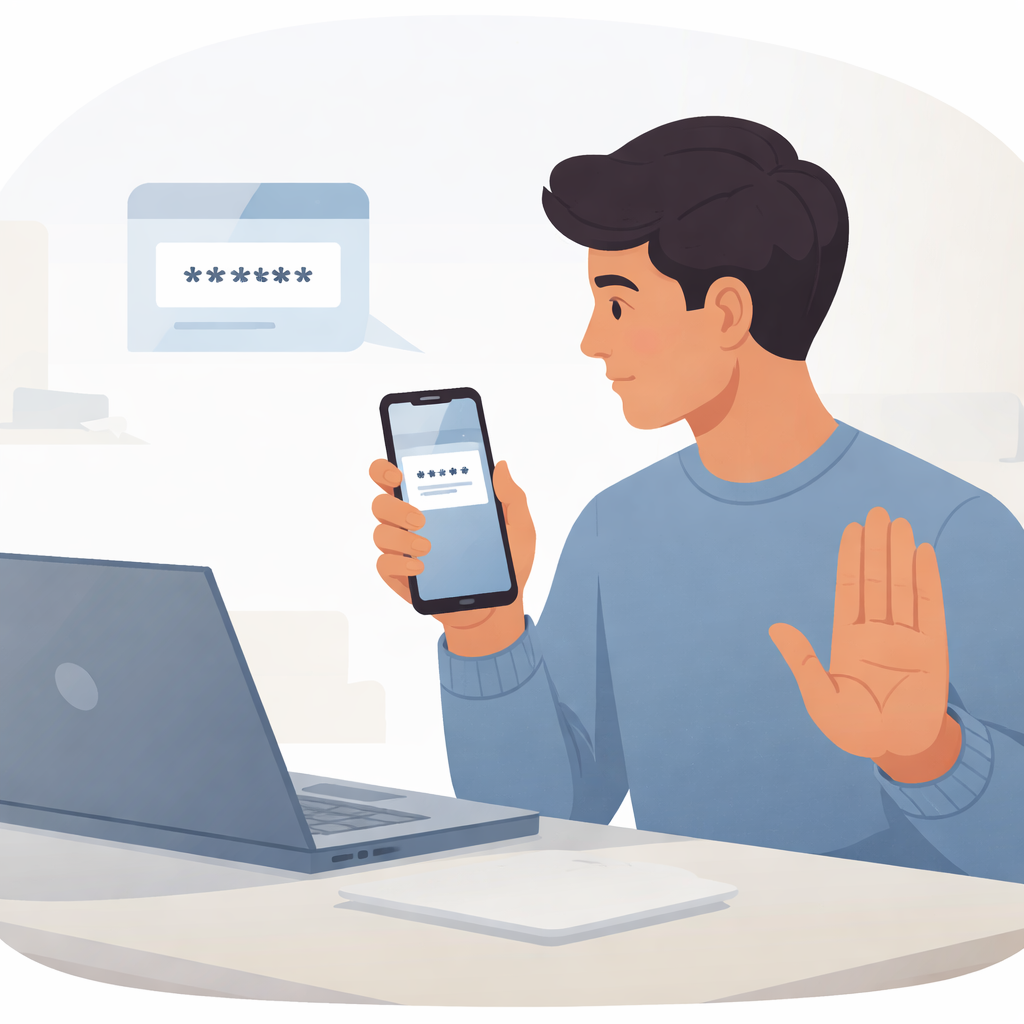
Verification codes are meant to protect your accounts.
These codes, often sent by text message, email, or generated by an app, are a key part of multi factor authentication. They confirm that it is really you trying to log in or make a change.
If someone else gets that code, they can bypass your security.
What Verification Codes Are Used For
Verification codes are typically required when:
- Logging into an account from a new device
- Resetting a password
- Confirming sensitive changes
- Approving transactions
They act as a second layer of identity confirmation.
Why Scammers Ask for Codes
Scammers often already have part of your login information.
They may have:
- Your email and password from a data breach
- Access to a password reset attempt
- Partial control of an account
When the system sends a verification code to you, the attacker needs that code to complete access.
So they contact you and try to get it.
Common Tactics Used
Scammers use different approaches to request verification codes.
They may pretend to be:
- Customer support agents
- Bank representatives
- Delivery or service providers
- Friends or contacts who were “locked out”
They might say:
- “We need to confirm your identity”
- “Read me the code to secure your account”
- “This code was sent by mistake, please share it”
These messages are designed to sound routine.
Important Rule to Remember
A verification code is private.
No legitimate company or support agent will ask you to share it.
If someone requests your code, it is a warning sign.
Signs of a Code Request Scam
Watch for these red flags.
- You receive a code you did not request
- Someone contacts you asking for that code
- The request feels urgent or pressured
- The explanation is unclear or inconsistent
These situations often indicate an ongoing account takeover attempt.
What To Do If You Receive an Unexpected Code
If you receive a verification code without requesting it:
- Do not share the code with anyone
- Change your password immediately
- Enable or review multi factor authentication settings
- Check your account for suspicious activity
This may mean someone is trying to access your account.
What To Do If You Shared a Code
If you accidentally shared a verification code:
- Change your password right away
- Log out of all active sessions
- Enable stronger authentication methods
- Contact the service provider if needed
Act quickly to regain control of your account.
Protecting Your Accounts
To reduce risk:
- Use strong, unique passwords
- Enable multi factor authentication
- Avoid reusing credentials across services
- Stay alert to unexpected login attempts
Security works best when each layer is protected.
Final Thoughts
Verification codes are one of your last lines of defense.
Sharing them removes that protection.
Keep codes private.
Never share them with anyone.
Treat unexpected requests as suspicious.
A single code can be the difference between staying secure and losing access to your account.