


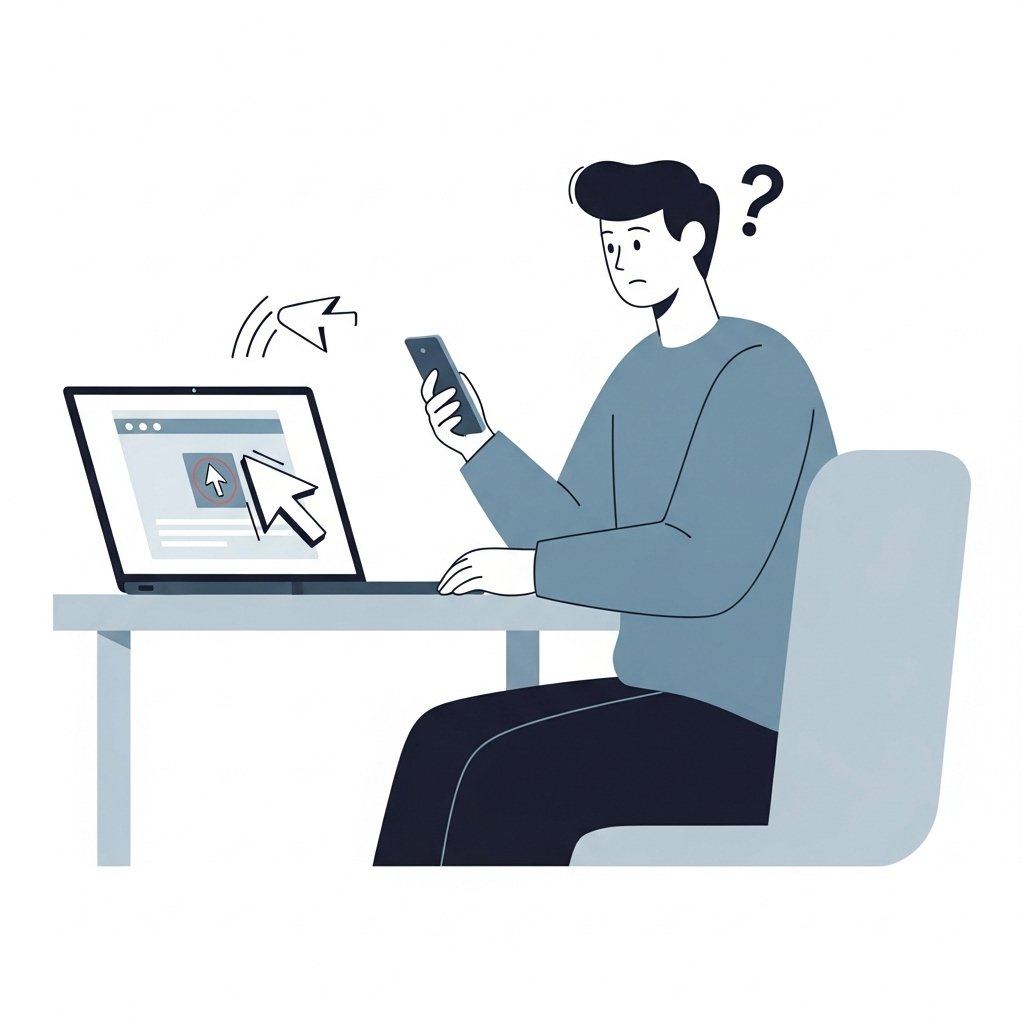
Fake support scams are designed to convince you that something is wrong with your device, account, or security. Once you believe there is a problem, the scammer offers to “fix it” by asking for remote access.
Giving remote access allows the attacker to control your device directly.
Understanding how these requests happen is the first step to avoiding them.
How the Scam Usually Starts
Fake support scams often begin with an unexpected contact.
Common entry points include:
- Popups claiming your device is infected
- Phone calls from “technical support”
- Emails warning about security issues
- Messages offering help with account problems
The message is designed to create concern and urgency.
The Shift From Problem to Solution
After presenting a problem, the scammer quickly offers help.
They may say:
- “We can fix this for you right now”
- “Your system is at risk, we need to act immediately”
- “Follow these steps so we can secure your device”
This transition is intentional. It builds trust and positions the scammer as the solution.
Request to Install Remote Access Software
The next step is usually a request to install a remote access tool.
They may guide you to:
- Download a program from a website
- Enter a code to grant access
- Open a session that allows them to control your screen
The instructions are often very detailed and step by step.
What Happens After Access Is Granted
Once connected, the attacker can:
- View your files
- Move your cursor and type on your system
- Access saved passwords
- Install additional software
- Open banking or email accounts
They may also perform actions to make the situation appear more serious.
Techniques Used to Build Trust
Scammers often try to look legitimate during the session.
They may:
- Open system tools to show normal warnings
- Display logs or files that look technical
- Type commands to simulate “repairs”
- Speak confidently using technical language
These actions are meant to convince you that they are real professionals.
Requests That Follow Remote Access
After gaining control, the scam often escalates.
You may be asked to:
- Pay for a repair service
- Provide banking details
- Log into sensitive accounts
- Approve transactions
At this stage, the attacker has both access and influence.
Warning Signs of Fake Support
Be cautious if:
- You did not request support
- The contact was unexpected
- You are asked to install software immediately
- You are pressured to act quickly
- The instructions feel scripted
Legitimate support does not operate this way.
How Real Support Works
Authentic support services follow structured processes.
They usually:
- Respond to requests you initiate
- Use official websites or apps
- Do not pressure immediate action
- Clearly identify themselves
- Provide verifiable contact information
Remote access is used carefully and only in verified situations.
What To Do If You Are Asked for Remote Access
If someone asks for remote access unexpectedly:
Stop the interaction.
Do not install any software.
Do not provide access codes.
Verify the request through official channels.
Ending the session early prevents further risk.
If You Already Gave Access
If you allowed remote access:
Disconnect your device from the internet.
Uninstall the remote access software.
Change your passwords immediately.
Run a full security scan.
Contact your bank if financial information was exposed.
Act quickly to secure your system.
Final Thoughts
Remote access gives full control of your device.
That is why scammers work hard to obtain it.
Be cautious of unexpected support requests.
Never grant access without verification.
Take control of the situation before someone else does.