


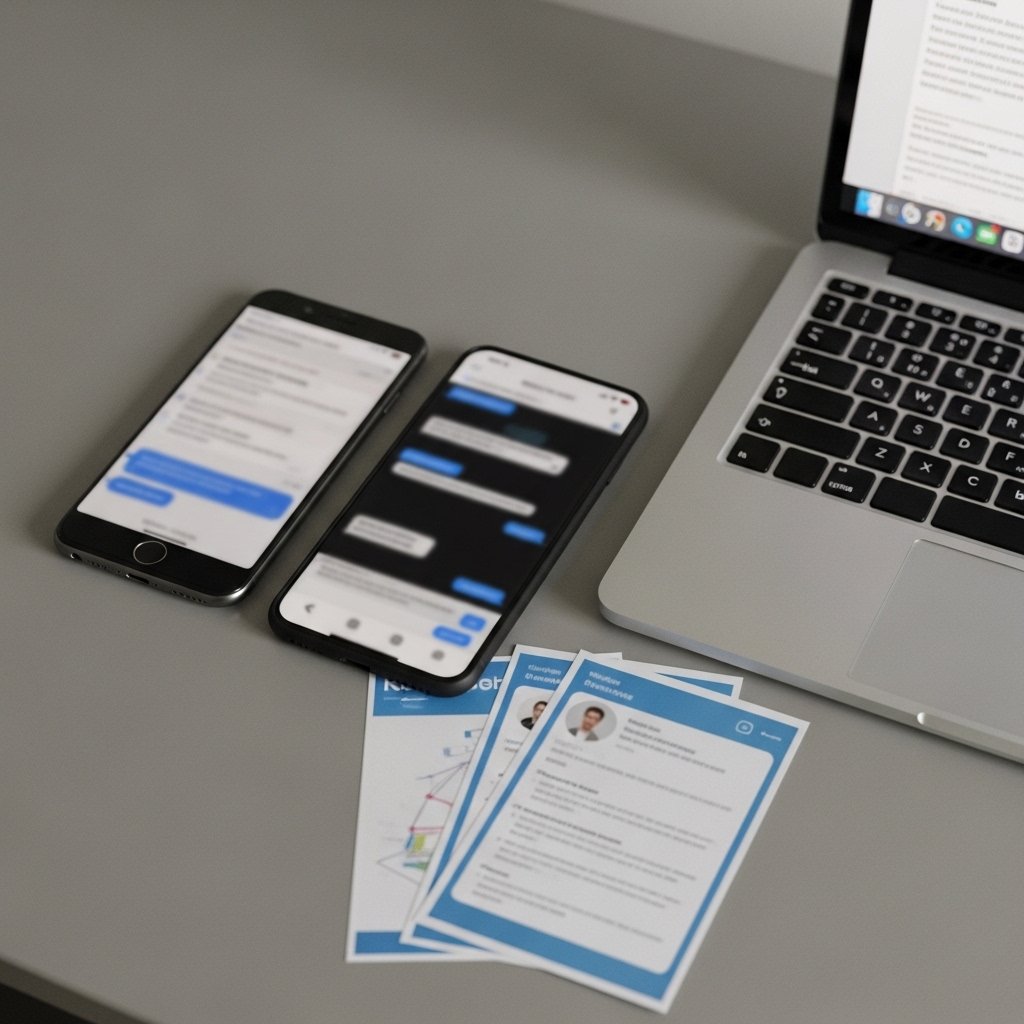
When you experience an online scam, impersonation attempt, or account takeover, your first instinct might be to delete everything and move on.
That is a mistake.
Screenshots are often the difference between a weak report and a strong case. Banks, platforms, and cybercrime authorities rely on visual evidence to investigate fraud patterns and identify attackers.
If you are preparing to report a scam, here is exactly what you should capture before anything disappears.
Why Screenshots Matter
Scammers frequently:
Delete messages
Deactivate accounts
Change usernames
Remove posts
Block victims
Digital evidence can vanish quickly.
Screenshots preserve:
Usernames
Profile photos
Phone numbers
URLs
Time stamps
Payment instructions
Threats
The more complete your documentation, the stronger your report becomes.
Screenshot the Full Conversation
Do not capture only one message.
Scroll up and screenshot:
The beginning of the interaction
The build up to the request
The exact request for money or information
Any threats or urgent language
Make sure timestamps are visible.
Context matters.
Capture the Profile Information
If the scam happened on social media or a messaging app, screenshot:
Profile name
Username or handle
Profile picture
Bio section
Follower count
Account creation date if visible
Scammers often delete accounts after being exposed. This may be your only record.
Screenshot Payment Instructions
If the attacker requested money, capture:
Bank account details
Cryptocurrency wallet addresses
Gift card instructions
Payment app usernames
QR codes
Invoices
These details are critical for financial investigations.
Capture Suspicious Links and URLs
If a phishing link was sent:
Screenshot the full URL before clicking.
If you already clicked, capture the web address bar clearly.
Include the entire browser window, not just part of the page.
Small spelling differences in domain names can expose fraud.
Screenshot Verification Code Requests
If someone asked for a verification code:
Capture the message requesting the code.
Screenshot the code notification if safe to do so.
Do not share the code itself with anyone except official investigators if required.
Save Call Logs
If the scam occurred by phone:
Screenshot your call history showing:
The number
Date
Time
Duration
If voicemails were left, save them.
Caller ID spoofing makes this step especially important.
Capture Account Changes
If your account was accessed:
Screenshot:
Login history
Unknown devices
Email change notifications
Password reset alerts
Unfamiliar transactions
Act before attackers remove evidence.
Include Your Own Timeline Notes
Alongside screenshots, write down:
When it started
What was said
What information you shared
Whether money was sent
How you realized it was fraud
Memory fades quickly. Document it while it is fresh.
What Not to Do
Do not edit screenshots.
Do not crop out timestamps.
Do not alter file names.
Do not forward evidence carelessly.
Keep original files in a secure folder.
Authenticity strengthens credibility.
Organize Before Reporting
Create one folder containing:
All screenshots
Payment receipts
Transaction confirmations
Call logs
Your written summary
When reporting to:
Your bank
The platform involved
National cybercrime authorities
Being organized increases the chance of serious review.
Quick Screenshot Checklist
Before reporting, capture:
Full conversation
Profile details
Payment instructions
URLs and web addresses
Call logs
Login alerts
Account changes
Transaction records
If in doubt, capture more rather than less.
Final Thoughts
Scammers rely on speed and disappearance.
Documentation slows them down.
Screenshots transform a vague complaint into concrete evidence.
If something suspicious happens, preserve it immediately.
Report clearly.
Act quickly.
Stay organized.
Strong documentation protects not only you, but potential future victims as well.