


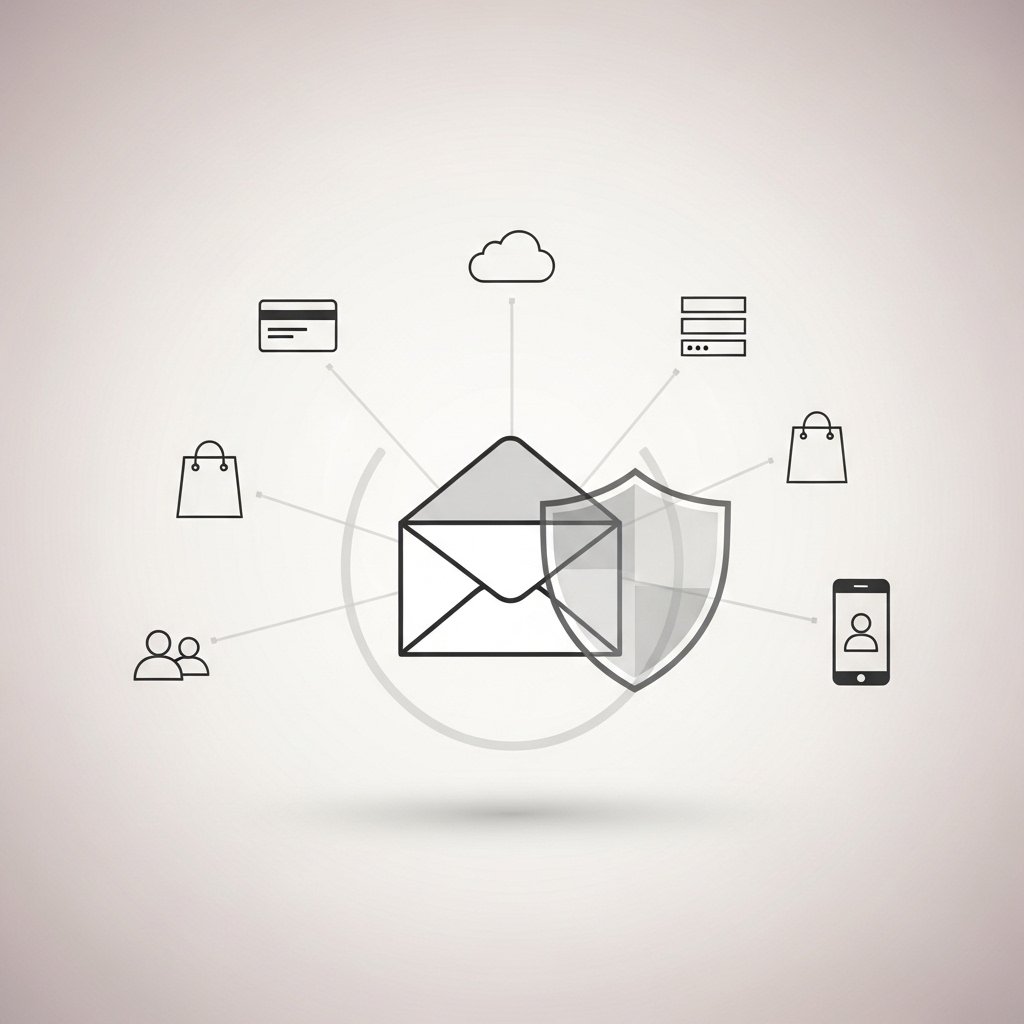
Your email account is the master key to your digital life.
Bank alerts, password resets, social media access, cloud storage, shopping accounts, government portals and business platforms are all connected to it.
If someone gains control of your email, they can reset passwords for almost every other service you use.
Securing your email is not optional. It is the foundation of your digital security.
Why Email Is the Primary Target
Attackers focus on email because it allows:
Password resets
Access to linked accounts
Identity theft
Financial fraud
Interception of recovery codes
If a criminal controls your inbox, they can quietly take over other accounts before you notice.
Many victims only realize something is wrong after multiple services have already been compromised.
How Email Takeovers Happen
The most common methods include:
Phishing pages that imitate login screens
Passwords leaked in data breaches
Reused passwords across multiple platforms
Malware capturing login credentials
Social engineering involving verification codes
SIM swap attacks when SMS authentication is used
Email is often the first entry point.
Use a Strong and Unique Password
Your email password should be:
Long
Unique
Not reused anywhere else
Not based on personal details
If you reuse your email password, one breach can unlock everything connected to it.
A password manager can help generate and store secure credentials.
Enable Multi Factor Authentication
Multi factor authentication adds a second layer of protection.
Use an authentication app instead of SMS when possible.
Even if your password is exposed, MFA blocks unauthorized access.
Never share verification codes with anyone.
Review Recovery Settings
Check your recovery options carefully.
Verify:
Recovery email address
Recovery phone number
Security questions
Remove any unfamiliar or outdated information.
Attackers sometimes change recovery details to lock victims out permanently.
Monitor Login Activity
Most email providers show recent login activity.
Look for:
Unknown devices
Unfamiliar locations
Unusual login times
If something looks suspicious, change your password immediately and review your settings.
Be Careful With Phishing Emails
Be cautious of messages that:
Create urgency
Claim account suspension
Request password verification
Contain unexpected attachments
Instead of clicking links, go directly to the official website by typing the address into your browser.
Consider Separating Critical Accounts
Some people use one email for:
Banking and financial services
And another for:
Subscriptions and newsletters
This reduces the impact if one account is compromised.
Signs Your Email May Be Compromised
Password reset messages you did not request
Security alerts from other services
Emails sent from your account without your knowledge
Changes to recovery settings
Login alerts from unfamiliar devices
If you notice any of these signs, act immediately.
Change your password.
Enable MFA.
Review connected accounts.
Final Thoughts
If your email is secure, the rest of your digital life becomes harder to attack.
If your email is vulnerable, everything connected to it is exposed.
Start there.
Use a strong password.
Enable multi factor authentication.
Review your recovery settings regularly.
Protecting your email protects everything else.