


Most data breaches do not begin with advanced hacking. They begin with weak or reused passwords.
If you use the same password for multiple accounts, a single breach can expose everything from your email to your bank login.
A password manager is one of the simplest and most effective tools for improving your digital security.
Understanding the basics can help you decide whether it is right for you and how to use it properly.
What Is a Password Manager?
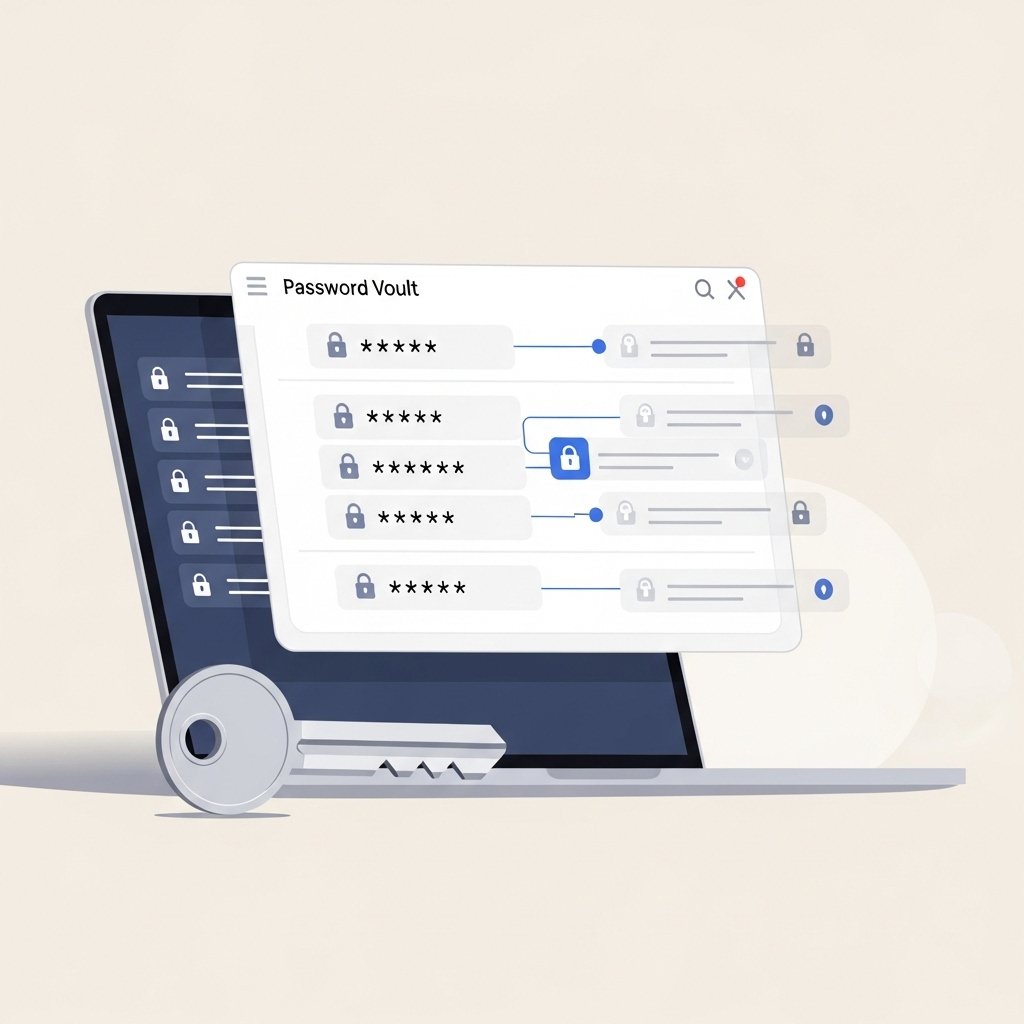
A password manager is a tool that stores and encrypts your passwords in a secure digital vault.
Instead of memorizing dozens of passwords, you remember one strong master password. The manager handles the rest.
It can:
Generate strong passwords
Store login credentials
Autofill login forms
Sync across devices
Store secure notes
This reduces the temptation to reuse passwords.
Why Password Reuse Is Dangerous
When companies experience data breaches, login credentials often appear on underground markets.
Attackers then use automated tools to test those credentials on:
Email accounts
Banking platforms
Social media
Shopping sites
Cloud storage
This technique is called credential stuffing.
If you reuse passwords, one breach becomes many.
How a Password Manager Protects You
Password managers generate long, random passwords that are difficult to guess.
Instead of:
John123
Summer2024
Password1
You get:
Long, unpredictable combinations of letters, numbers, and symbols.
Because the manager stores them securely, you do not need to remember them.
The Master Password
Your master password protects the entire vault.
It should be:
Long
Unique
Not used anywhere else
Based on a passphrase rather than a single word
For example, a random phrase with unrelated words is stronger than a short complex string.
Never share your master password.
Built In vs Dedicated Password Managers
Many browsers offer built in password storage.
Dedicated password managers typically provide:
Stronger encryption
Cross browser compatibility
Advanced security monitoring
Secure sharing features
Dark web breach alerts
Choose a solution that fits your security needs and comfort level.
Should You Use Cloud Sync?
Most modern password managers sync across devices using encrypted cloud storage.
Benefits include:
Access on phone, laptop, and tablet
Automatic updates
Backup protection
Make sure multi factor authentication is enabled on your password manager account.
Common Mistakes to Avoid
Using a weak master password
Not enabling multi factor authentication
Saving passwords in plain text files
Sharing vault access casually
Ignoring breach alerts
Security tools only work if configured correctly.
What About Writing Passwords Down?
Writing passwords on paper can be safer than reusing weak ones online, but it has limitations.
Paper notes can be:
Lost
Seen by others
Damaged
A properly secured password manager is generally safer for most people.
Getting Started Safely
Choose a reputable password manager.
Create a strong master passphrase.
Enable multi factor authentication.
Import existing passwords carefully.
Update weak or reused passwords gradually.
Security improvements can happen step by step.
Final Thoughts
Strong password habits are no longer optional.
A password manager reduces human error, simplifies login management, and dramatically improves security when used correctly.
You only need to remember one password, but it must be strong.
Good digital hygiene starts with strong credentials.