


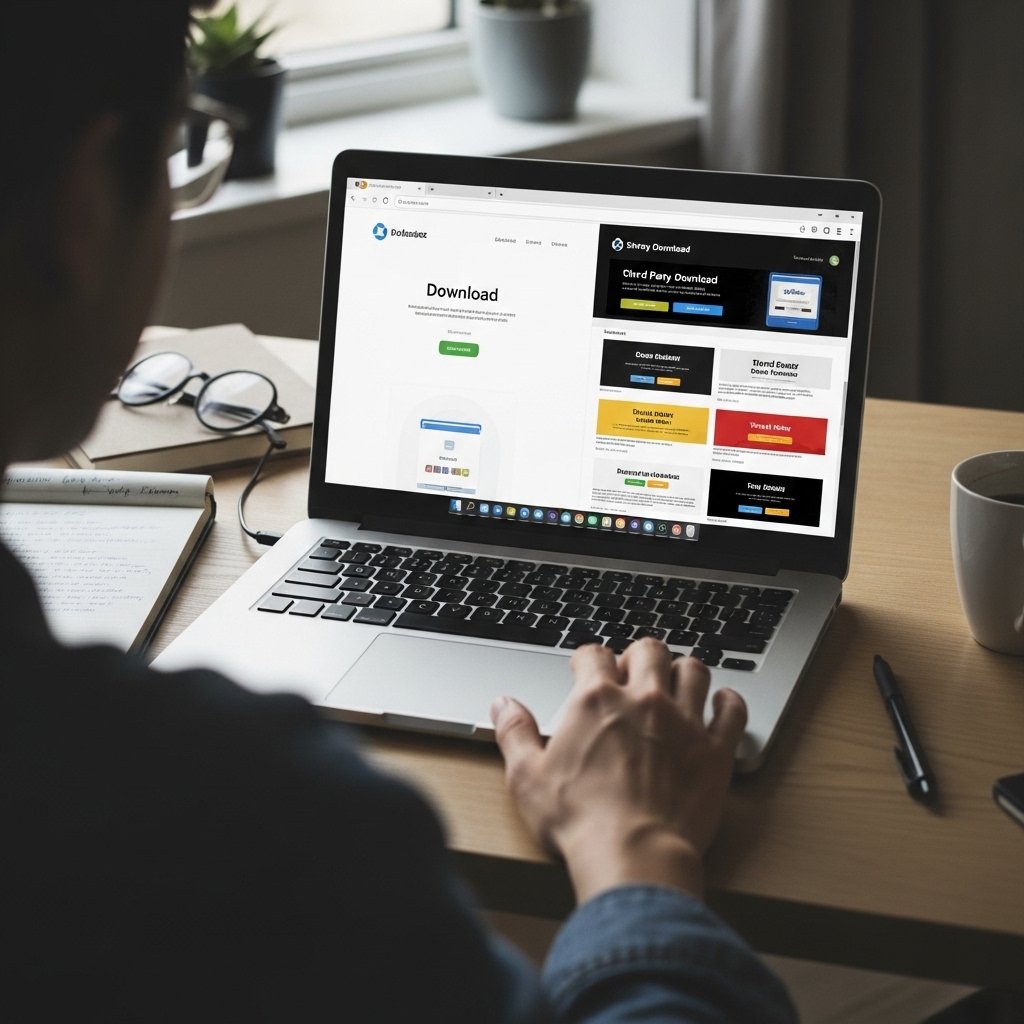
1. Download Only From Official Websites
Before clicking download:
- Type the official website address manually into your browser
- Avoid download links sent via email or direct messages
- Do not trust search ads automatically
- Double check spelling of the domain
Example warning signs:
- Slightly misspelled domain names
- Extra characters in the URL
- Unfamiliar domain extensions
If the website looks different from what you expect, stop.
2. Use Official App Stores When Possible
For mobile devices:
- Download apps only from the official app store for your device
- Avoid APK files from third party websites
- Do not bypass built in security restrictions
Official stores are not perfect, but they significantly reduce risk.
3. Avoid “Cracked” or Pirated Software
Free versions of paid software often come bundled with:
- Hidden malware
- Crypto miners
- Remote access tools
- Keyloggers
If a download claims to unlock premium features for free, assume high risk.
4. Verify the Publisher
Before installing:
- Check the developer name
- Research the company independently
- Look for a legitimate online presence
- Confirm that the download page matches the official brand
If you have never heard of the publisher and cannot find reliable information, reconsider.
5. Check File Type Before Opening
Common legitimate installers:
- .exe
- .dmg
- .pkg
- .msi
Be cautious with:
- .zip files containing executables
- Double extensions like file.pdf.exe
- Unexpected script files
If you were expecting a document and received an executable, that is suspicious.
6. Scan Files Before Installing
Before running a downloaded file:
- Scan it with trusted antivirus software
- Use built in security features
- Consider uploading the file to a reputable online scanning service
Even if the site looks legitimate, scan first.
7. Check Digital Signatures
On desktop systems:
- Right click the installer
- View properties
- Check digital signature information
A missing or unknown signature can be a warning sign.
This is not foolproof, but it adds another verification layer.
8. Avoid Popups Offering Direct Downloads
Be cautious if:
- A random website says your software is outdated
- A banner demands immediate installation
- A download starts automatically
Legitimate updates come from inside the software or from the official website.
9. Read User Reviews Carefully
Look for:
- Independent reviews outside the download page
- Detailed user feedback
- Reports of suspicious behavior
Be cautious of:
- Only five star reviews
- Repetitive generic comments
- No online footprint at all
10. Keep Your System Updated
Security updates:
- Patch known vulnerabilities
- Improve malware detection
- Strengthen system defenses
Outdated systems are more vulnerable to malicious downloads.
🚩 High Risk Download Situations
Avoid downloading when:
- You feel pressured
- The offer seems too good to be true
- The source was shared in a random message
- The file claims to bypass security restrictions
Urgency is often used to override caution.
What To Do If You Downloaded Something Suspicious
If you have not opened it:
- Delete the file immediately
- Empty your recycle bin
If you already opened it:
- Disconnect from the internet
- Run a full security scan
- Monitor your accounts
- Change important passwords from a secure device
Act quickly to limit potential damage.
Final Thoughts
Safe downloading is about discipline, not luck.
Most infections are preventable with simple habits:
Use official sources.
Verify before installing.
Scan files.
Avoid shortcuts.
One careful decision can prevent months of security problems.