


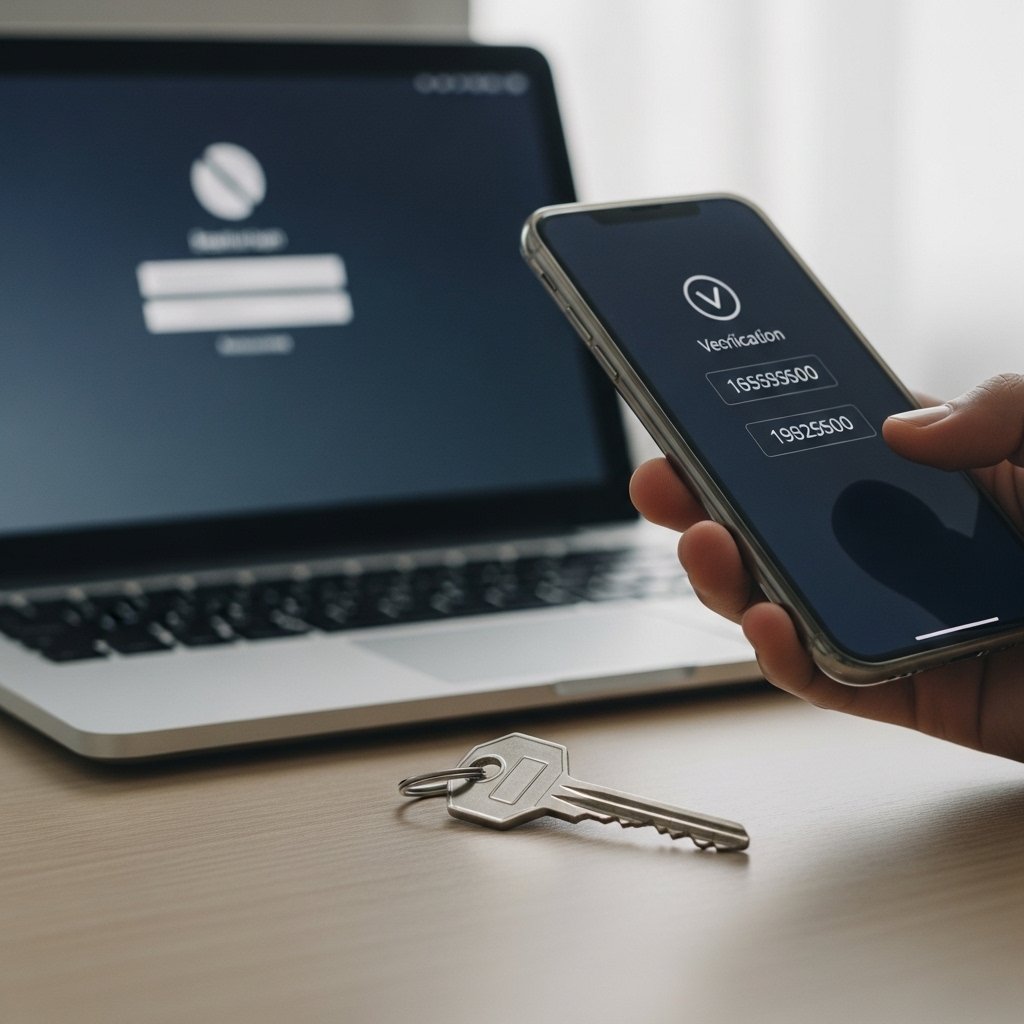
How Verification Codes Lead to Account Takeover Fraud
Account takeover fraud is one of the fastest growing cyber threats worldwide. It often starts with something that seems harmless.
A message arrives asking you to share a verification code that was just sent to your phone. The request sounds urgent, official and convincing.
That single code is often the only barrier protecting your bank account, email, social media, or business systems.
If you share it, you may be handing over full access to your digital life.
What Is an Account Takeover?
An account takeover happens when a criminal gains unauthorized access to your online account and locks you out.
Bank Accounts
Attackers can transfer funds, steal financial information and disable your access.
Email Accounts
Email access allows criminals to reset passwords for many connected services.
Social Media
Hijacked profiles are often used to spread scams to friends and followers.
Business Platforms
Business dashboards and payment systems are high value takeover targets.
- Change passwords
- Reset recovery information
- Transfer funds
- Make purchases
- Send scam messages to your contacts
- Steal sensitive data
In many cases, the final step that allows access is a verification code sent directly to you.
Why Verification Codes Are So Valuable
Verification codes, also known as one time passwords or OTPs, are part of two factor authentication.
They exist to protect you.
But scammers have found a way to manipulate victims into giving them away.
- The attacker already has your username and password from a breach
- They attempt to log into your account
- The system sends a verification code to your phone
- The scammer contacts you pretending to be support or security staff
- They ask you to confirm the code to “secure” your account
- If you share it, you approve their login attempt
The system believes you authorized the login yourself.
The Most Common Code Sharing Scenarios
Fake Bank Security Call
You receive a call saying suspicious activity was detected. The caller sounds professional and convincing.
While you are on the phone, a verification code arrives. The scammer asks you to read it out loud.
In reality, they are attempting to log into your account in real time.
Marketplace or Payment App Scam
Someone buying your item online claims they need to verify you before payment.
A code arrives and they ask you to share it.
That code may actually be resetting your password.
Social Media Recovery Scam
You receive a message claiming your account violated policies and needs confirmation.
The attacker is actually using the password reset feature.
Email Account Targeting
If your email account is compromised, attackers can reset passwords for many other connected services.
That is why email takeover is especially dangerous.
Red Flags That You Are Being Manipulated
Be alert if:
- Someone asks for a code you did not request
- The message says “do not share this code with anyone”
- The caller creates urgency or panic
- You are told your account will be closed immediately
- The request happens during an unexpected call
That code is for you only.
What To Do If Someone Asks for a Code
- Stop the conversation immediately
- Do not share the code
- Hang up or stop replying
- Contact the institution using official contact information
- Change your password if you suspect exposure
Never feel pressured to continue the interaction.
What To Do If You Already Shared a Code
Act fast.
- Change your password immediately
- Enable two factor authentication if not already active
- Check account settings for unauthorized changes
- Review recent transactions or account activity
- Contact your bank or service provider
Speed matters. The faster you respond, the greater your chance of preventing damage.
How to Prevent Account Takeover
Use Strong Passwords
Create strong, unique passwords for every account.
Enable 2FA
Turn on two factor authentication wherever possible.
Monitor Login Alerts
Watch for unfamiliar devices or suspicious login notifications.
Stay Educated
Understanding manipulation tactics is one of the strongest defenses.
Why Attackers Focus on Human Behavior
Modern security systems are strong. Breaking encryption is difficult. Manipulating people is easier.
- Fear
- Authority
- Urgency
- Confusion
They do not hack systems first.
They hack trust.
Quick Safety Checklist
- Do not share unexpected verification codes
- Do not panic during urgent calls
- Verify independently through official channels
- Change your password if unsure
- Report suspicious contact attempts
Final Thoughts
Account takeover fraud often begins with a simple request that seems harmless.
A short number sent to your phone can unlock your entire digital identity.
Keep your codes private.
Pause before reacting.
Verify before trusting.
The moment you stop sharing codes is the moment attackers lose their shortcut into your accounts.