


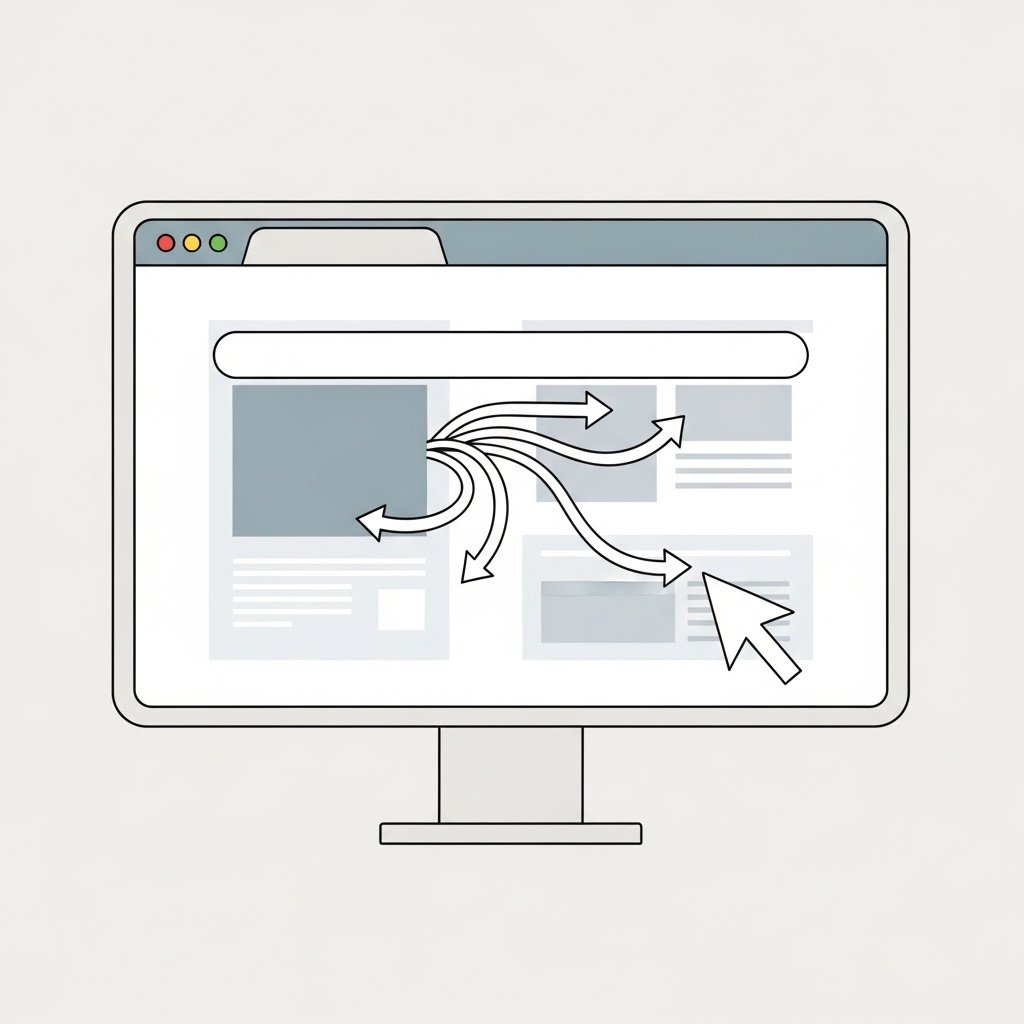
If your browser starts behaving differently without your permission, do not ignore it.
Browser hijacking is a common tactic used to redirect traffic, inject ads, steal data, or push malicious downloads. It often starts subtly and escalates over time.
Recognizing the signs early can prevent deeper compromise.
What Is a Browser Hijack
A browser hijack happens when unwanted software changes your browser settings without clear consent.
It may:
Change your homepage
Replace your default search engine
Install hidden extensions
Inject ads into pages
Redirect search results
In some cases, it is bundled with free software downloads.
Common Browser Hijack Signs
Homepage Suddenly Changed
If your browser opens to an unfamiliar website and you did not change it yourself, that is a warning sign.
Especially suspicious if:
You cannot change it back
It reverts after restarting the browser
Default Search Engine Replaced
If searches are routed through a search engine you did not select, be cautious.
Often, hijackers redirect searches through advertising networks to generate revenue.
Excessive Popups and Ads
Frequent popups, banners, or injected ads on websites that normally do not show them can indicate compromise.
Pay attention if:
Ads appear on trusted websites
New tabs open automatically
Popups appear even when no site is open
Browser Extensions You Do Not Recognize
Open your extensions list and review carefully.
Warning signs include:
Recently added extensions you do not remember installing
Extensions with vague names
Extensions with excessive permissions
Malicious extensions are a common hijack method.
Redirected Search Results
If clicking a search result takes you to a different site than expected, that is suspicious.
Redirect chains are often used to:
Track users
Deliver malware
Display aggressive advertising
Slow Performance and High CPU Usage
Hijacked browsers may consume more resources.
If your browser becomes unusually slow or your device overheats during browsing, investigate further.
Security Settings Modified
If you notice:
Disabled security warnings
Blocked access to certain websites
Changes to privacy settings
This may indicate malicious interference.
How Browser Hijacks Happen
Common infection paths include:
Downloading software from unofficial sources
Installing bundled freeware
Clicking fake update popups
Allowing suspicious extensions
Granting notification permissions to unknown sites
Most hijacks begin with one careless click.
What To Do If You Notice Signs
Follow a structured response.
- Disconnect from the internet if behavior is aggressive.
- Remove suspicious browser extensions.
- Reset browser settings to default.
- Run a full security scan.
- Uninstall unfamiliar programs from your system.
- Clear browser cache and cookies.
If the issue persists, consider reinstalling the browser or performing a deeper system cleanup.
Preventing Future Hijacks
Download software only from official websites.
Avoid clicking random popups.
Review extension permissions carefully.
Keep your browser updated.
Use reputable security software.
Small precautions prevent recurring problems.
Final Thoughts
Browser hijacks often start as minor annoyances.
A changed homepage. A new search engine. A few extra ads.
Those small changes can signal larger issues.
Act early.
Review settings.
Remove suspicious extensions.
Run security scans.
Control your browser before someone else does.