


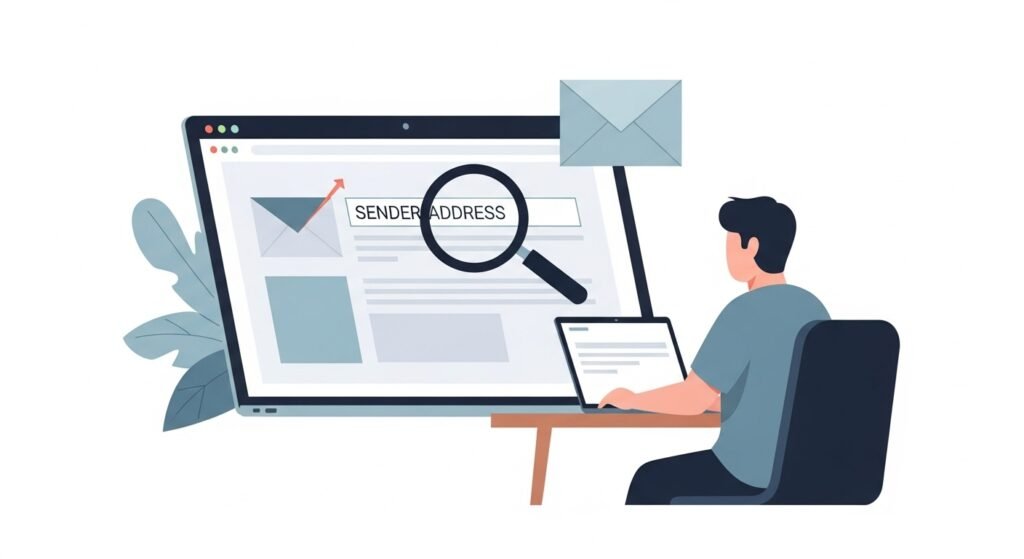
Email remains one of the most common ways scammers attempt to reach victims. A frequent tactic is domain spoofing, where attackers make an email appear to come from a trusted organization even though it was sent from somewhere else.
At first glance the message may look legitimate. The sender name may match a real company, and the email design may copy official branding.
Learning how to check the sender domain carefully can help you detect many phishing attempts before any damage occurs.
What a Spoofed Sender Domain Is
A spoofed sender domain is an email address designed to look like it belongs to a trusted organization.
Attackers may imitate domains belonging to:
- Banks
- Delivery companies
- Government agencies
- Technology providers
- Employers or recruiters
The goal is to convince you that the message is legitimate so you click links, download attachments, or provide sensitive information.
Look Beyond the Display Name
Email apps often show a display name first. This can easily be faked.
For example, a message may show a sender name such as:
Security Team
Customer Support
Billing Department
Always expand the message to view the full email address.
The actual address may reveal the deception.
Watch for Slightly Misspelled Domains
Many spoofed emails rely on small spelling changes.
Examples include:
- Replacing letters with similar characters
- Adding extra letters
- Changing the order of characters
A domain that looks correct at first glance may contain a subtle difference.
Reading the domain carefully helps expose these tricks.
Check the Domain After the @ Symbol
The most important part of an email address is the domain after the @ symbol.
For example:
If a message claims to be from a company but the domain does not match the official website, the message may be fraudulent.
Always compare the sender domain with the domain listed on the organization’s official website.
Be Careful With Subdomains
Some phishing emails use long addresses that contain a legitimate brand name within the address.
For example, an address might include a brand name earlier in the string but end with a completely different domain.
Focus on the final domain portion after the @ symbol to determine the true source.
Examine Links Inside the Email
Even if the sender address looks convincing, the links inside the email may lead somewhere else.
Before clicking any link:
- Hover over the link to preview the destination
- Check whether the domain matches the official website
- Avoid shortened links that hide the destination
If the destination domain is unfamiliar, do not proceed.
Be Suspicious of Urgent Requests
Spoofed emails often attempt to create urgency.
Examples include messages claiming:
- Your account will be suspended
- A payment must be confirmed immediately
- Security verification is required right away
These messages are designed to encourage quick action before you inspect the details.
Verify Through Official Channels
If an email claims to be from an organization and requests action, verify it independently.
You can:
- Visit the official website directly
- Contact the organization through verified contact information
- Log into your account through the official website instead of clicking links
Independent verification prevents attackers from controlling the interaction.
Final Thoughts
Spoofed sender domains rely on visual deception and rushed decisions.
Carefully checking the full email address can expose many phishing attempts.
Look beyond the display name.
Inspect the domain carefully.
Verify requests through official sources.
A few seconds of inspection can prevent serious security problems.