


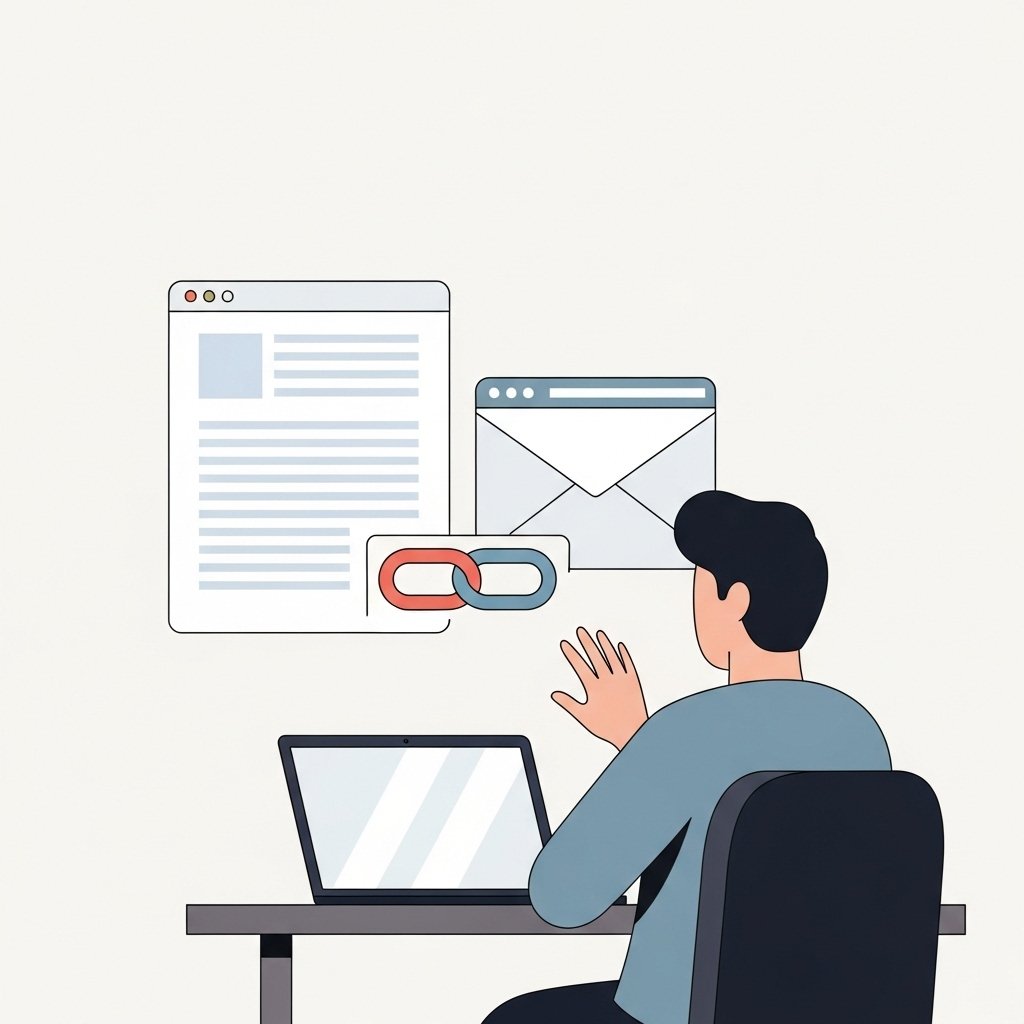
Many account takeovers begin with a simple click.
An email arrives claiming there is a problem with your account. It may mention suspicious activity, a failed payment, or a required security check. The message includes a link and asks you to log in immediately.
This is one of the most common phishing techniques.
Logging in through email links can expose your credentials directly to attackers.
Why Email Links Are Risky
Phishing emails are designed to look legitimate.
They often copy:
- Company logos and branding
- Official language and tone
- Real looking login pages
The link inside the email may lead to a fake website that looks identical to the real one.
When you enter your username and password, the attacker captures that information.
How Fake Login Pages Work
A phishing page may look exactly like the real service.
It can include:
- Identical layout and design
- Familiar login forms
- Security messages or warnings
The difference is not visual. It is in the website address.
If the domain is not correct, the site is not legitimate.
Common Email Scenarios
Phishing emails often use familiar situations.
Examples include:
- “Unusual login detected” alerts
- “Your account will be locked” warnings
- “Confirm your payment details” requests
- “Reset your password” links
Each message pushes you to click and act quickly.
Safer Way to Access Your Accounts
Instead of clicking email links, use direct navigation.
Safer methods include:
- Typing the website address manually into your browser
- Using a saved bookmark
- Opening the official app on your device
This ensures you are accessing the real service.
How to Check a Link Without Clicking
If you want to inspect a link:
- Hover over it to preview the destination
- Look carefully at the domain name
- Avoid shortened or disguised links
If anything looks unusual, do not click.
What To Do If You Already Logged In
If you entered your credentials on a suspicious page:
- Change your password immediately
- Enable multi factor authentication
- Review account activity for unusual behavior
- Log out of all active sessions if possible
If the same password is used elsewhere, update those accounts as well.
Why Urgency Is a Warning Sign
Phishing emails often create pressure.
They may claim:
- Immediate action is required
- Your account will be suspended
- Security verification must be completed now
Legitimate services allow you to log in through official channels without urgency.
Final Thoughts
Email links are convenient, but they are also one of the easiest ways for attackers to capture credentials.
Avoid logging in through links sent in emails.
Open the website yourself.
Use trusted bookmarks.
Verify before entering credentials.
A small habit change can prevent account compromise.