


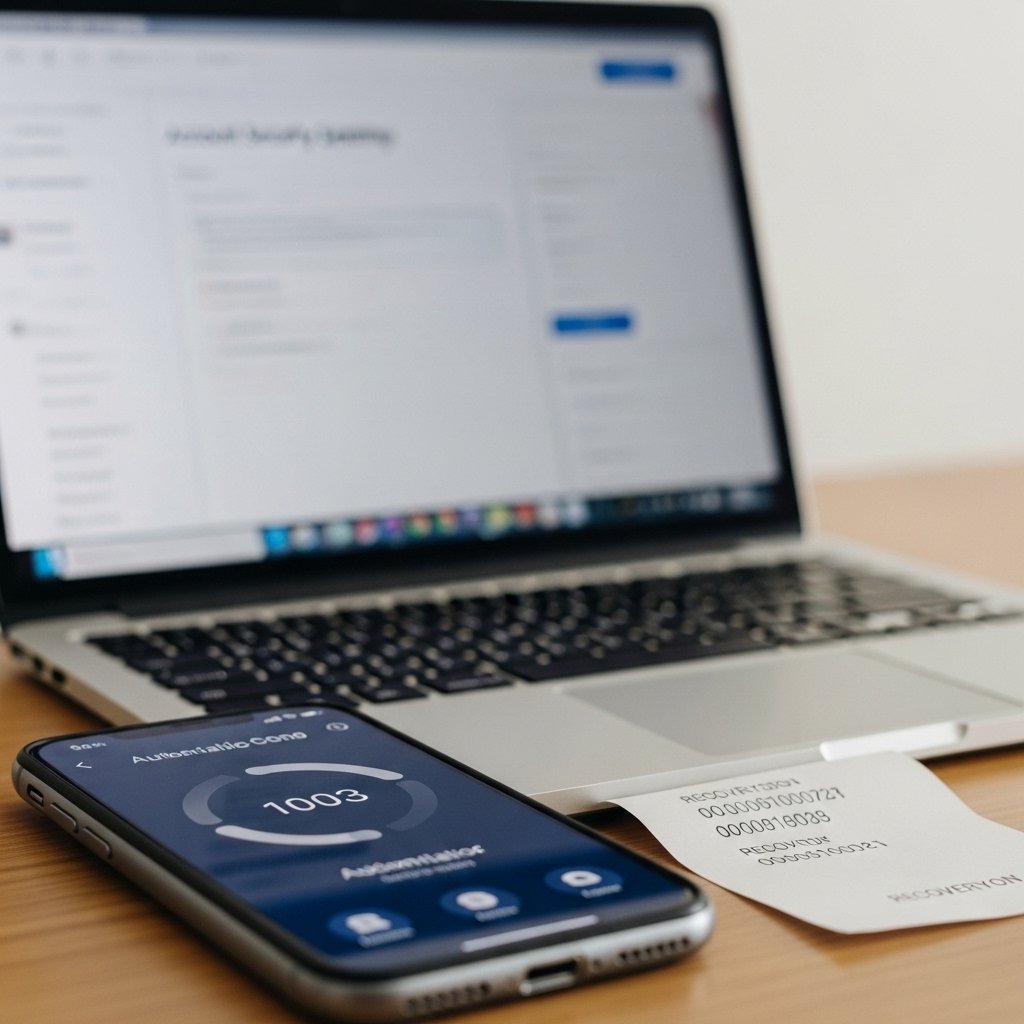
Why Multi-Factor Authentication and Recovery Codes Are Critical
Passwords are no longer enough.
Data breaches happen constantly. Billions of credentials have already been exposed online. If you rely only on a password to protect your bank account, email, or business systems, you are depending on something that may already be compromised.
Multi-Factor Authentication, also known as MFA, adds a critical second layer of protection. Recovery codes provide a backup safety net when you lose access to your device.
Together, they dramatically reduce the risk of account takeover.
What Is MFA?
Multi-Factor Authentication requires at least two forms of verification before granting access to an account.
Something You Know
Your password or PIN. The first line of defense that only you should know.
Something You Have
A phone, authentication app, or hardware key. A physical or digital token you control.
Something You Are
Biometric data like fingerprint or face recognition. Unique to your physical identity.
Why MFA Is Essential Today
Cybercriminals obtain passwords through:
- Data breaches
- Phishing emails
- Fake login pages
- Malware
- Credential stuffing attacks
MFA blocks this shortcut.
It transforms a single point of failure into layered security.
Types of MFA Methods
SMS Codes
A code is sent to your phone via text message. This is better than no protection, but not the strongest option due to SIM swap risks.
Authentication Apps
Apps like Google Authenticator or Microsoft Authenticator generate time-based codes on your device. These are more secure than SMS because they are not dependent on your phone number.
Push Notifications
Some services send a login approval request directly to your device. You approve or deny access with one tap.
Hardware Security Keys
Physical devices that must be inserted or tapped to confirm login. These provide one of the strongest forms of protection available.
What Are Recovery Codes?
Recovery codes are backup access codes generated when you enable MFA.
- You lose your phone
- Your authentication app is deleted
- Your device is damaged
- You cannot receive verification codes
Each recovery code can usually be used once to regain access.
Why Recovery Codes Matter
Without recovery codes, losing your device can mean losing your account.
Many people enable MFA but ignore the recovery step. That mistake can cause serious problems later.
Recovery codes protect you from yourself. They also prevent attackers from locking you out permanently.
How To Store Recovery Codes Safely
Never Store Them:
- In your email inbox
- In a plain text file on your desktop
- In screenshots saved on your phone gallery
Instead, Store Them:
- Print them and store in a secure place
- Save them in an encrypted password manager
- Keep them in a secure physical location
How MFA Stops Account Takeovers
Imagine a hacker obtains your password from a breach.
Without MFA, they log in instantly.
- They are stopped at the second verification step.
- They cannot generate the code.
- They cannot approve the login.
The attack fails.
That extra barrier blocks the majority of automated account takeover attempts.
Common Mistakes to Avoid
- Enabling MFA but ignoring recovery codes
- Storing recovery codes in the same account being protected
- Sharing verification codes with anyone
- Using weak passwords alongside MFA
- Disabling MFA for convenience
Step-By-Step Protection Checklist
- Enable MFA on: Email accounts, Banking platforms, Social media, Cloud storage, Business dashboards
- Choose authentication app over SMS when possible.
- Generate and securely store recovery codes.
- Review security settings regularly.
- Monitor login alerts for unknown devices.
Layered protection reduces risk dramatically.
Final Thoughts
Cybercriminals look for easy targets. Accounts protected only by passwords are easy targets.
MFA adds friction for attackers while remaining simple for users. Recovery codes ensure you are not locked out if something goes wrong.
- Strong security is not complicated. It is consistent.
- Enable MFA.
- Secure your recovery codes.
- Protect your digital identity before someone else tries to control it.