


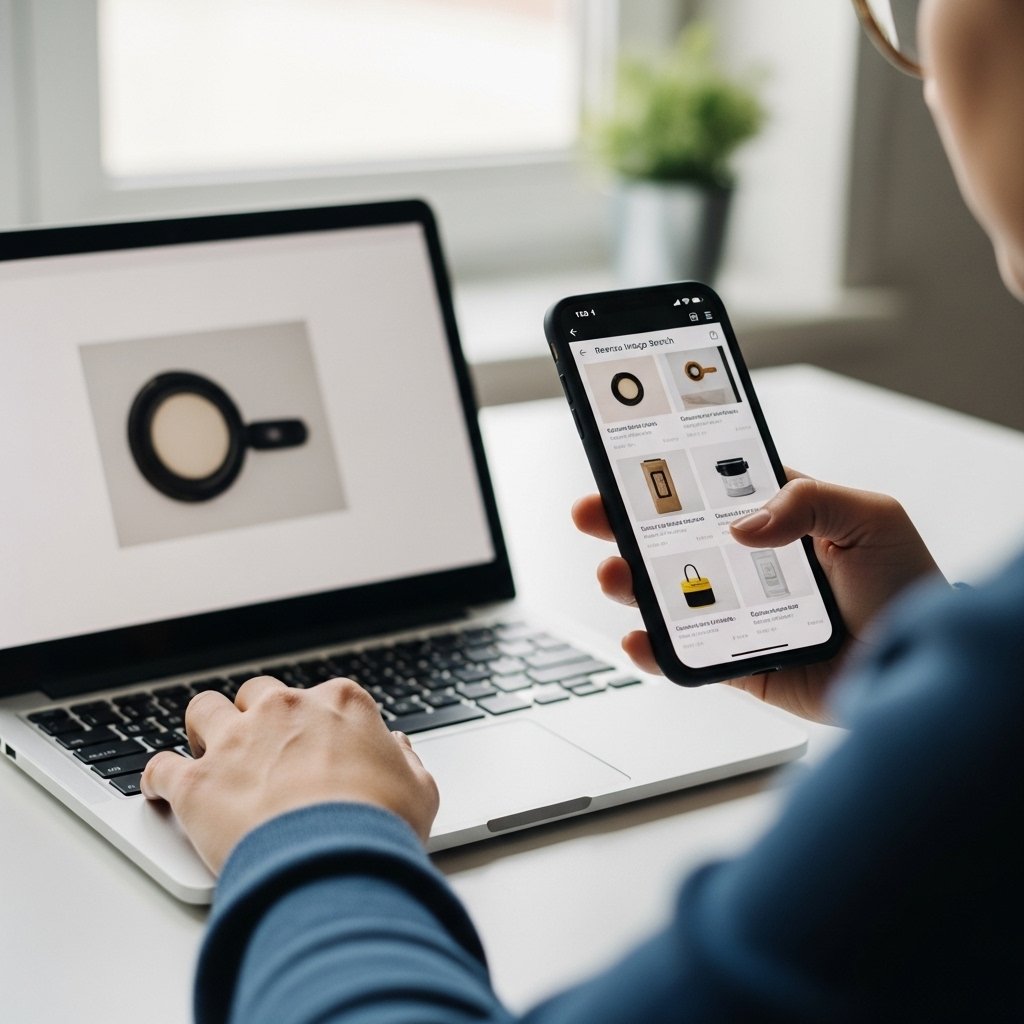
Online shopping scams often rely on stolen product images.
A fake store can look completely legitimate at first glance. The photos look professional. The products seem high quality. The price is attractive. The branding appears polished.
But the images may not belong to that store at all.
Reverse image search is one of the simplest and most powerful tools you can use to verify whether a product listing is real or potentially fraudulent.
If you shop online, this skill can save you money and prevent identity theft.
What Is Reverse Image Search?
Reverse image search allows you to upload a photo or paste an image URL into a search engine to find where else that image appears online.
Instead of searching with text, you search with the image itself.
This helps you:
- Discover if product photos were stolen
- Find the original source of an image
- Identify dropshipping resellers
- Detect fake online stores
- Compare price differences
It is especially useful when a deal looks too good to be true.
Why Scammers Use Stolen Product Photos
Fraudulent stores rarely create original content.
Instead, they:
Copy images from legitimate brands
Steal photos from marketplaces
Use influencer images without permission
Reuse photos from unrelated websites
This allows them to build a fake store quickly.
If the site disappears later, they simply create a new one using the same images.
When You Should Reverse Search an Image
Consider running a reverse image search if:
The price is unusually low
The website looks new or unfamiliar
There are no real customer reviews
The product description feels generic
The store has no social media presence
A quick image search takes less than a minute.
How to Perform a Reverse Image Search
- Save the product image to your device.
- Use a reverse image search tool such as Google Images.
- Upload the image or paste its URL.
- Review where else the image appears online.
You can also use dedicated tools like TinEye or built in browser image search features.
What to Look For in the Results
The Image Appears on Many Unrelated Sites
If the same photo appears across dozens of different stores, especially with different prices, that is suspicious.
The Image Originates from a Well Known Brand
If a small unknown store is using images from a major retailer, that suggests copying.
The Original Listing Has a Higher Price
Some scam sites copy premium product images and sell fake or low quality replicas at unrealistic discounts.
The Image Is Linked to a Completely Different Product
In some cases, the image may belong to an entirely different product or category.
That is a strong red flag.
Signs the Store May Be Fraudulent
Recently registered domain
Heavy social media advertising
Only prepaid payment options
No clear return policy
Stock photos used inconsistently
Copied descriptions
When multiple warning signs appear together, avoid the purchase.
Reverse Image Search Is Not Only for Products
You can also use it to verify:
Profile photos
Influencer accounts
Luxury listings
Rental properties
Marketplace sellers
Image verification is a powerful fraud detection tool beyond shopping.
What To Do If You Already Purchased
If you suspect the store used stolen images:
Contact your bank immediately
Save screenshots of the listing
Document the product page
Monitor your card activity
Report the website
If a product arrives and does not match the advertised images, document everything before disputing the charge.
Final Thoughts
Professional product photos do not guarantee legitimacy.
Scammers rely on visual trust. Reverse image search removes that illusion.
Before purchasing from an unfamiliar store:
Search the image.
Compare sources.
Verify authenticity.
A quick visual check can expose a fake store instantly.
Smart online shopping begins with verification.