


What to do after clicking a phishing link

Clicking a phishing link can happen to anyone. These messages are designed to look legitimate and create urgency. The important thing is not the mistake, but how quickly you respond afterward. Taking the right steps immediately can prevent account compromise, data theft, and financial loss. Step 1: Close the Page Immediately As soon as you […]
Enable MFA on email first
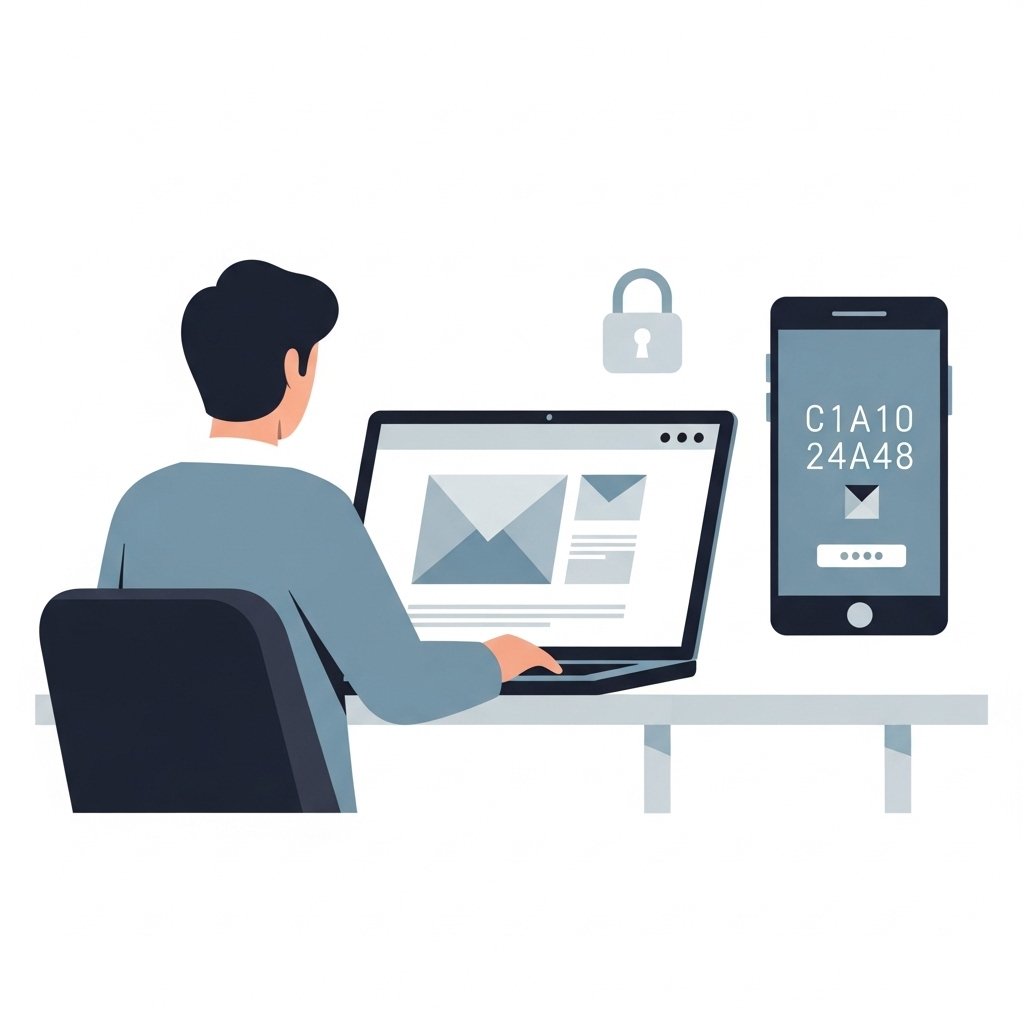
Your email account is the gateway to almost everything else. Password resets, account alerts, security notifications, and verification links all pass through your email. If someone gains access to it, they can often reset passwords and take control of other accounts. That is why enabling multi factor authentication on your email should be your first […]
Check URL before entering passwords
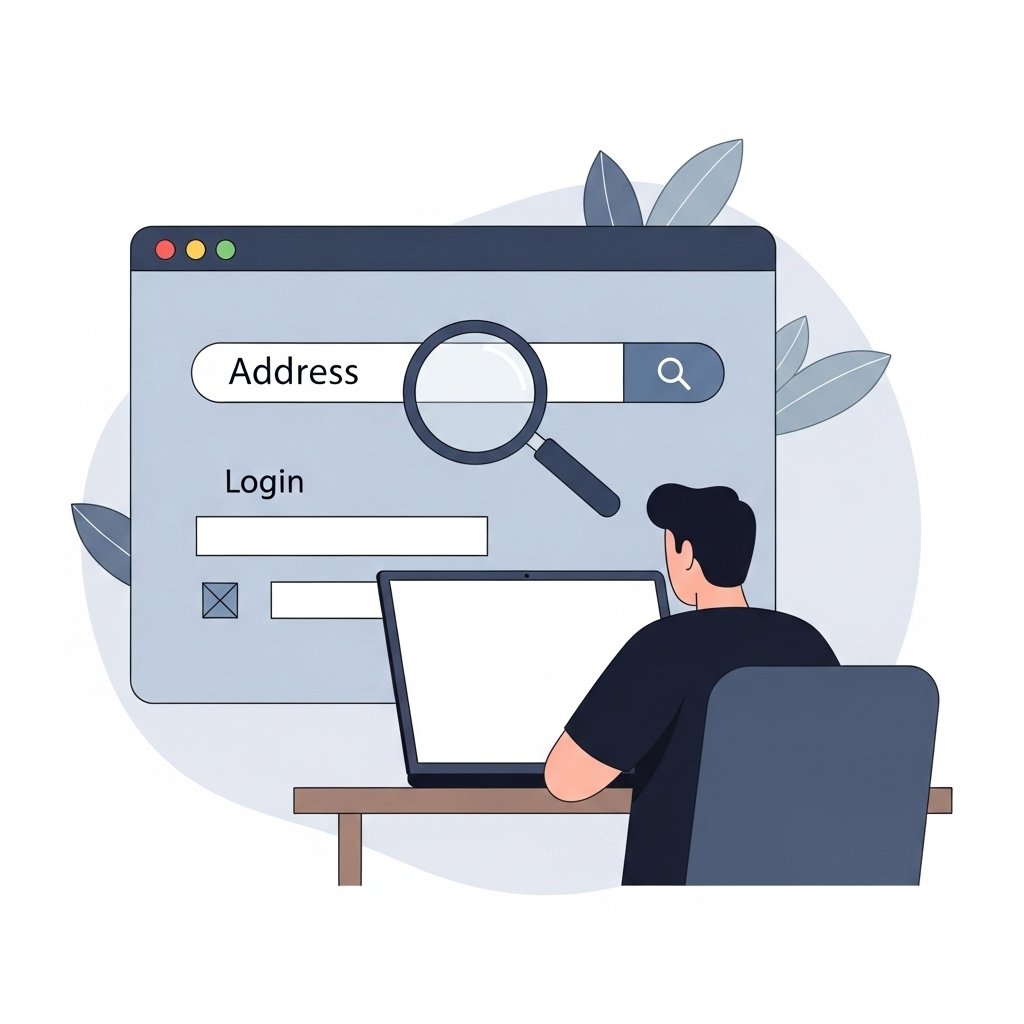
Before you enter a password, pause and look at the URL. This simple habit can prevent many account takeovers. Phishing websites are designed to look identical to real login pages, but the difference is always in the address. If the URL is wrong, the site is not safe. Why the URL Matters Attackers can copy […]
Never log in through email links
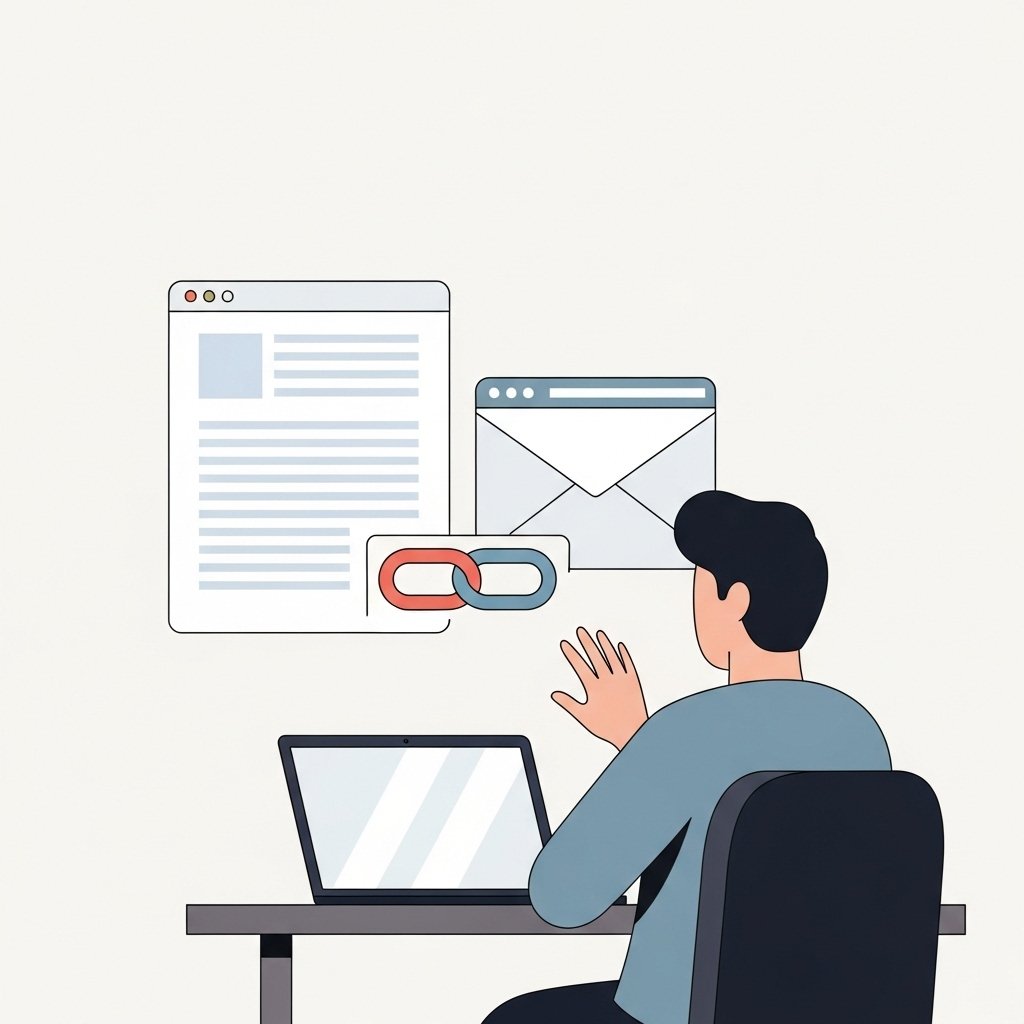
Many account takeovers begin with a simple click. An email arrives claiming there is a problem with your account. It may mention suspicious activity, a failed payment, or a required security check. The message includes a link and asks you to log in immediately. This is one of the most common phishing techniques. Logging in […]
How to spot spoofed sender domains
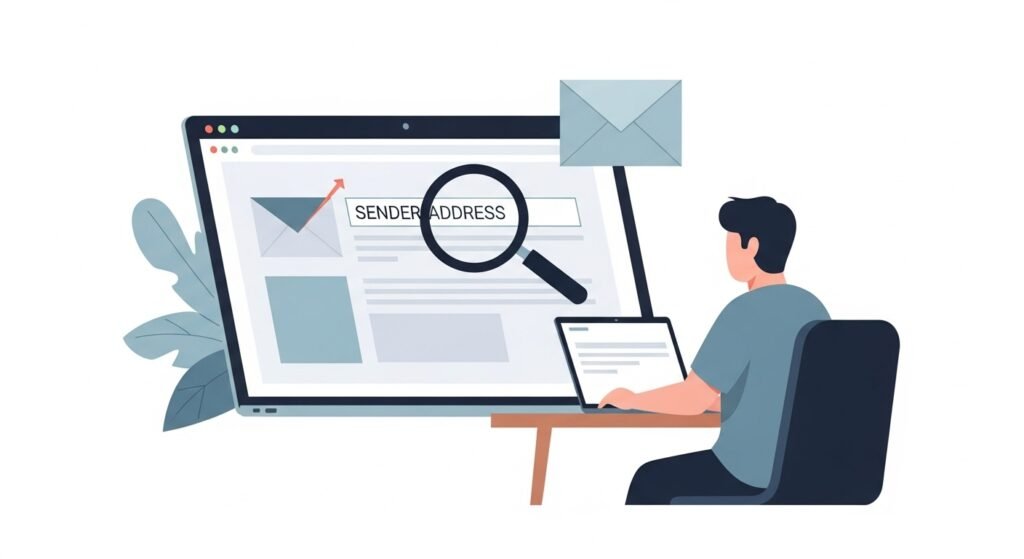
Email remains one of the most common ways scammers attempt to reach victims. A frequent tactic is domain spoofing, where attackers make an email appear to come from a trusted organization even though it was sent from somewhere else. At first glance the message may look legitimate. The sender name may match a real company, […]